Message web app development
Web-development
In this project, we would develope a web page that allows users to submit and view messages. Here is the link to the github repo: https://github.com/edwardliu24/web_development
App.py
First we need to create a py file called app. The file contains several helper functions.
Preparation
First, we need to import all the modules we need.
import re
from flask import Flask, g, render_template, request, redirect, url_for,abort
import io
import numpy as np
import sqlite3
# Create web app, run with flask run
# (set "FLASK_ENV" variable to "development" first!!!)

app = Flask(__name__)
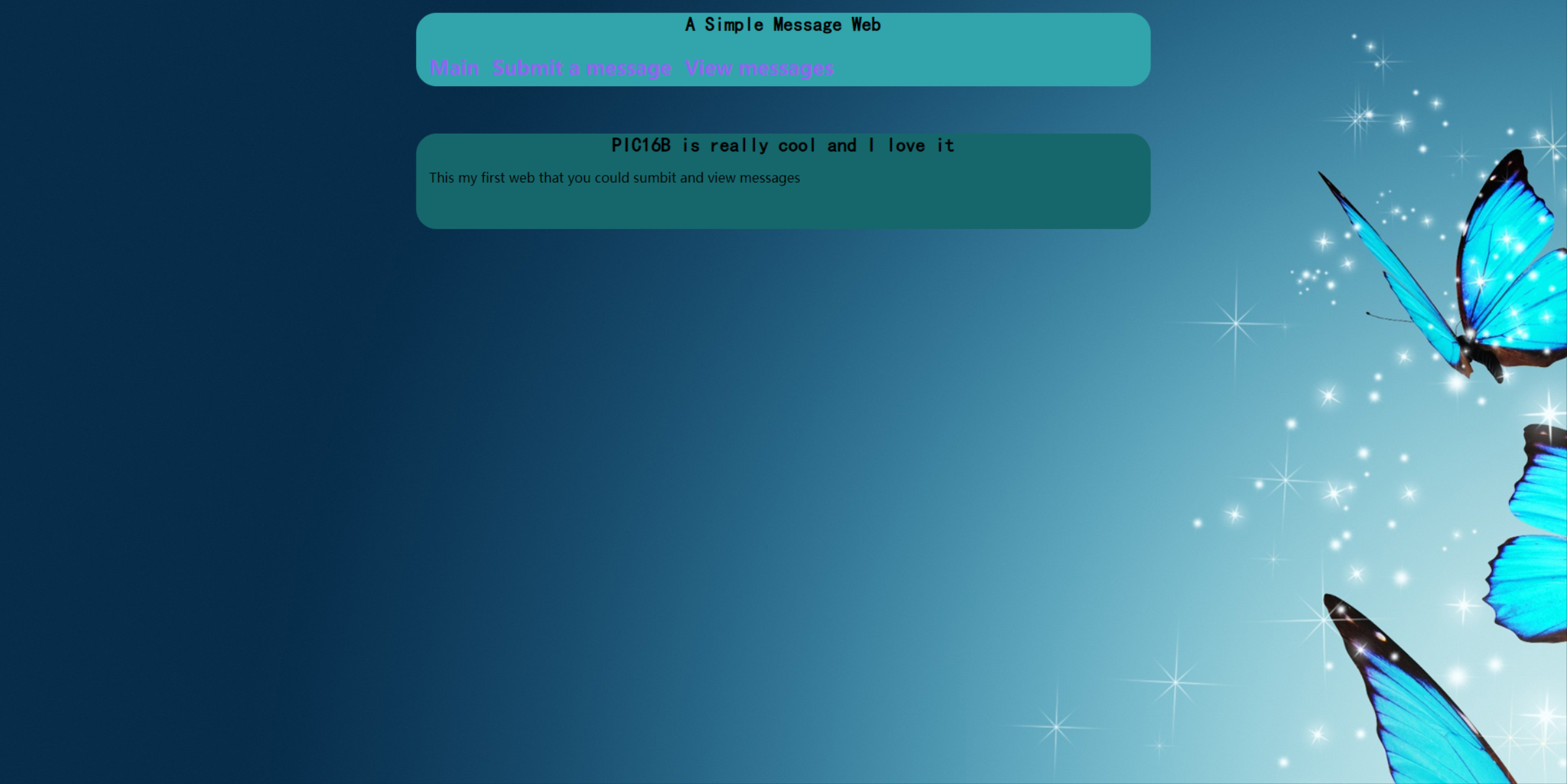
Main page
@app.route('/')

# after running
# $ export FLASK_ENV=development; flask run
# site will be available at
# http://localhost:5000

def main():
    return render_template('main.html')
Submit Page
#submit page
@app.route('/submit/', methods=['POST', 'GET'])
def submit():
    if request.method == 'GET':
        return render_template('submit.html')
    else:
        try:
            # call the database function if successful submission
            insert_message(request)
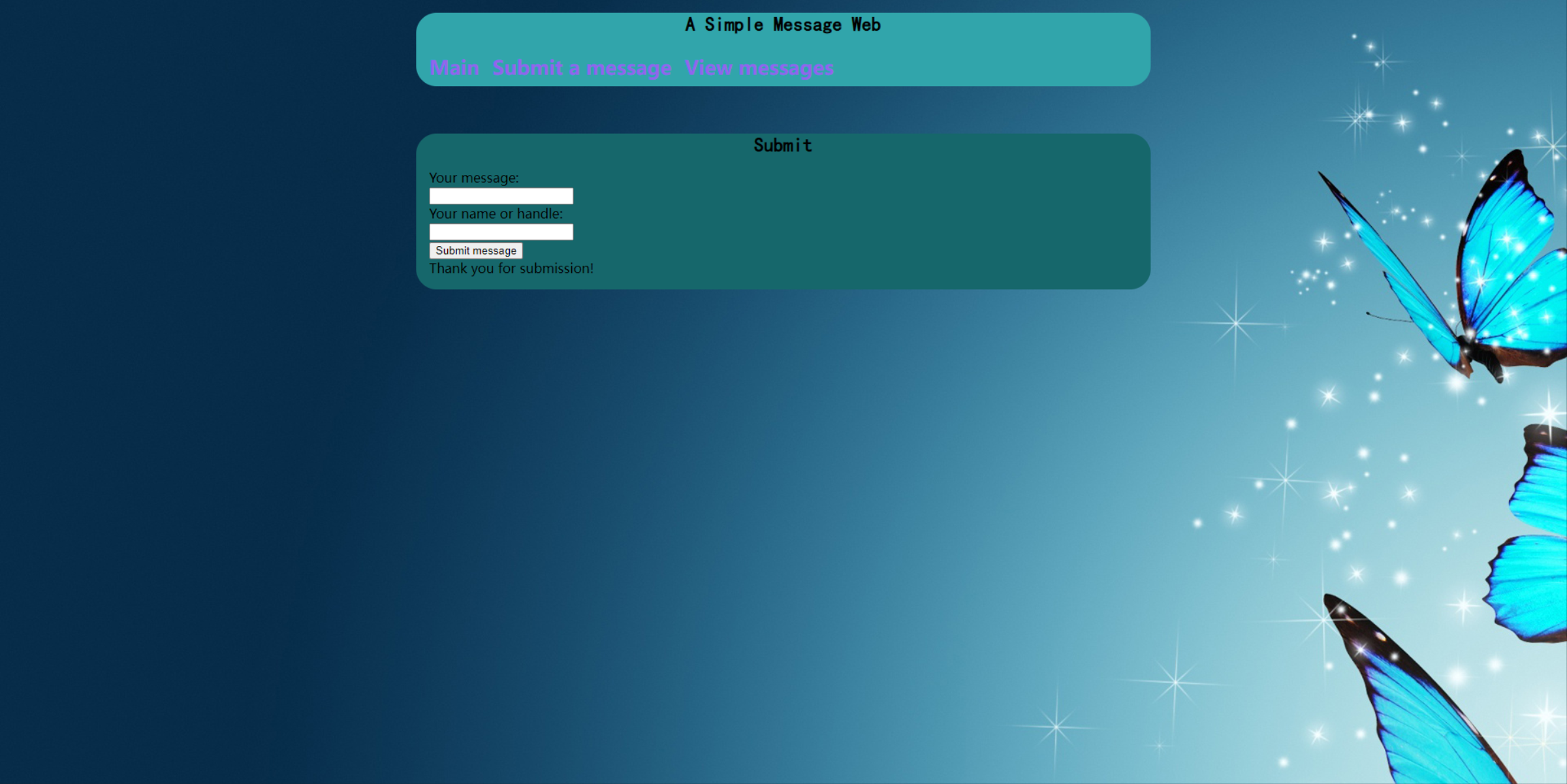
            return render_template('submit.html', thanks=True)
        except:
            return render_template('submit.html', error=True)
View Page
@app.route('/view/', methods=['POST','GET'])
def view():
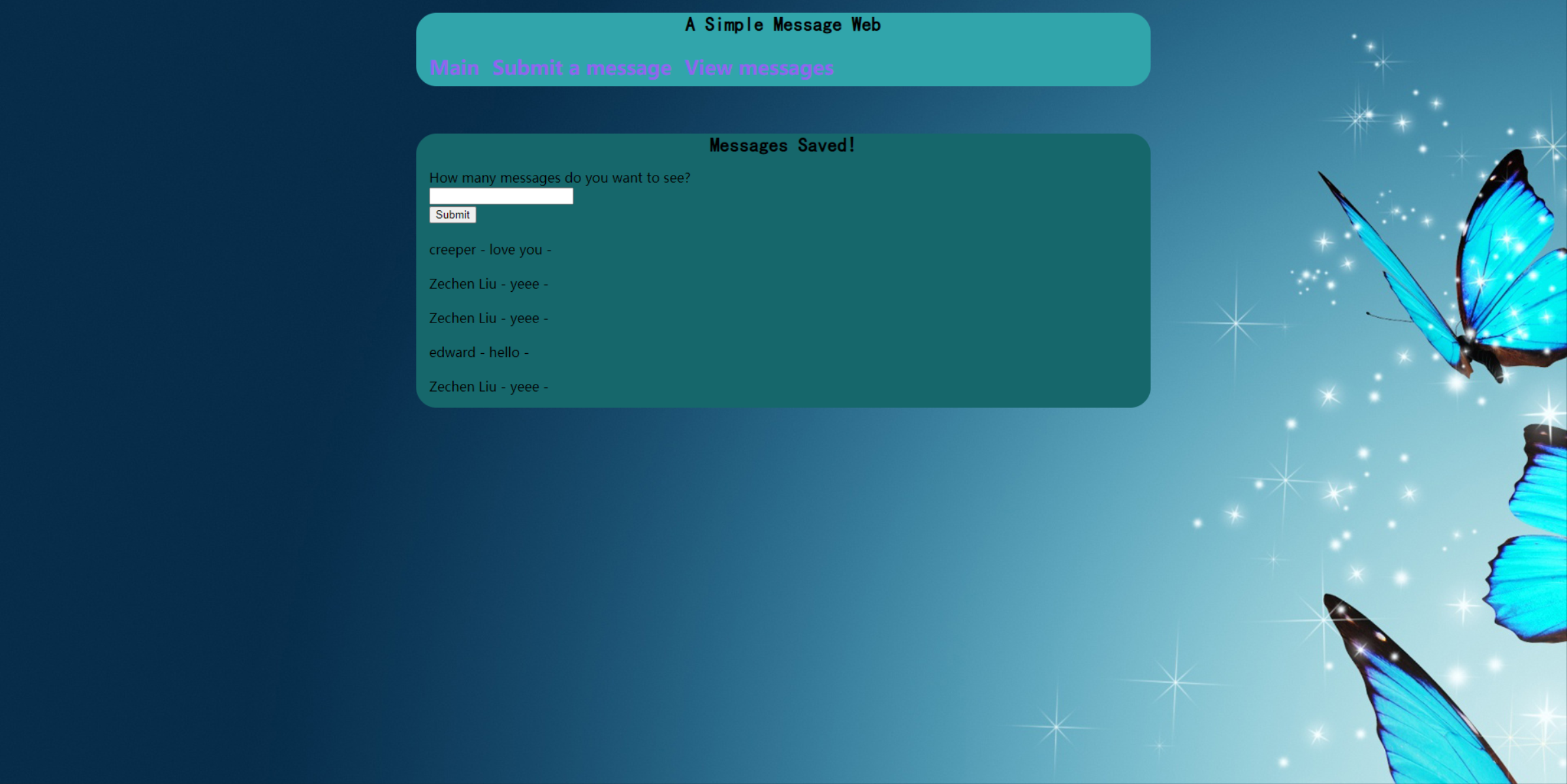
    return render_template('view.html', messages = random_messages(5))
Helper function
Now we have all the pages would be shown on the website. We need to have some helper function to properly run the app.
The first function is to store the messages data. We would create a database using sqlite3.
def get_message_db():
    try:
        return g.message_db
    except:
        g.message_db = sqlite3.connect("messages_db.sqlite")
        cmd = \
        '''
        CREATE TABLE IF NOT EXISTS `messages` (
            id  INTEGER  ,
            handle TEXT,
            message TEXT
        );
        '''
        cursor = g.message_db.cursor()
        cursor.execute(cmd)
        return g.message_db
The second function we need is to insert the messages into the data base.
def insert_message(request):
    name = request.form["name"]
    message = request.form["message"]

    conn = get_message_db()
    cursor = conn.cursor()

    cmd1 = "SELECT COUNT(*) FROM messages"
    cursor.execute(cmd1)
    id = cursor.fetchone()[0] + 1

    insert_cmd = \
    f'''
    INSERT INTO messages
    (id, handle, message)
    VALUES
    (?,?,?)
    '''
    data =(id,name, message)
    cursor.execute(insert_cmd,data)

    conn.commit()
    conn.close()
The third function is to present the stored messages and handle some edge cases.
def random_messages(n):
    # refer to insert_messages and discussion view function
    # HINT SQL command - ORDER BY RANDOM()
    conn = get_message_db()
    cursor = conn.cursor()

    length_cmd = "SELECT COUNT(*) FROM messages"
    cursor.execute(length_cmd)
    num_len = cursor.fetchone()[0]


    if (int(n)>num_len):
        output = ("Too many messages :(. This is the best we can do.")
        n = str(num_len)

    cmd = "SELECT * FROM messages ORDER BY RANDOM() LIMIT " + str(n)

    """for row in cursor.execute(cmd):
        output = output + row[2] + "<br>" + "- " + row[1] + "<br><br>"
    """
    output = cursor.execute(cmd).fetchall()
    conn.close()

    return output
Webpage Templates(Enable submission)
There are four webpages of this app, which are “main”,”base”,”view” and “submit”, and I would show the “submit” template.
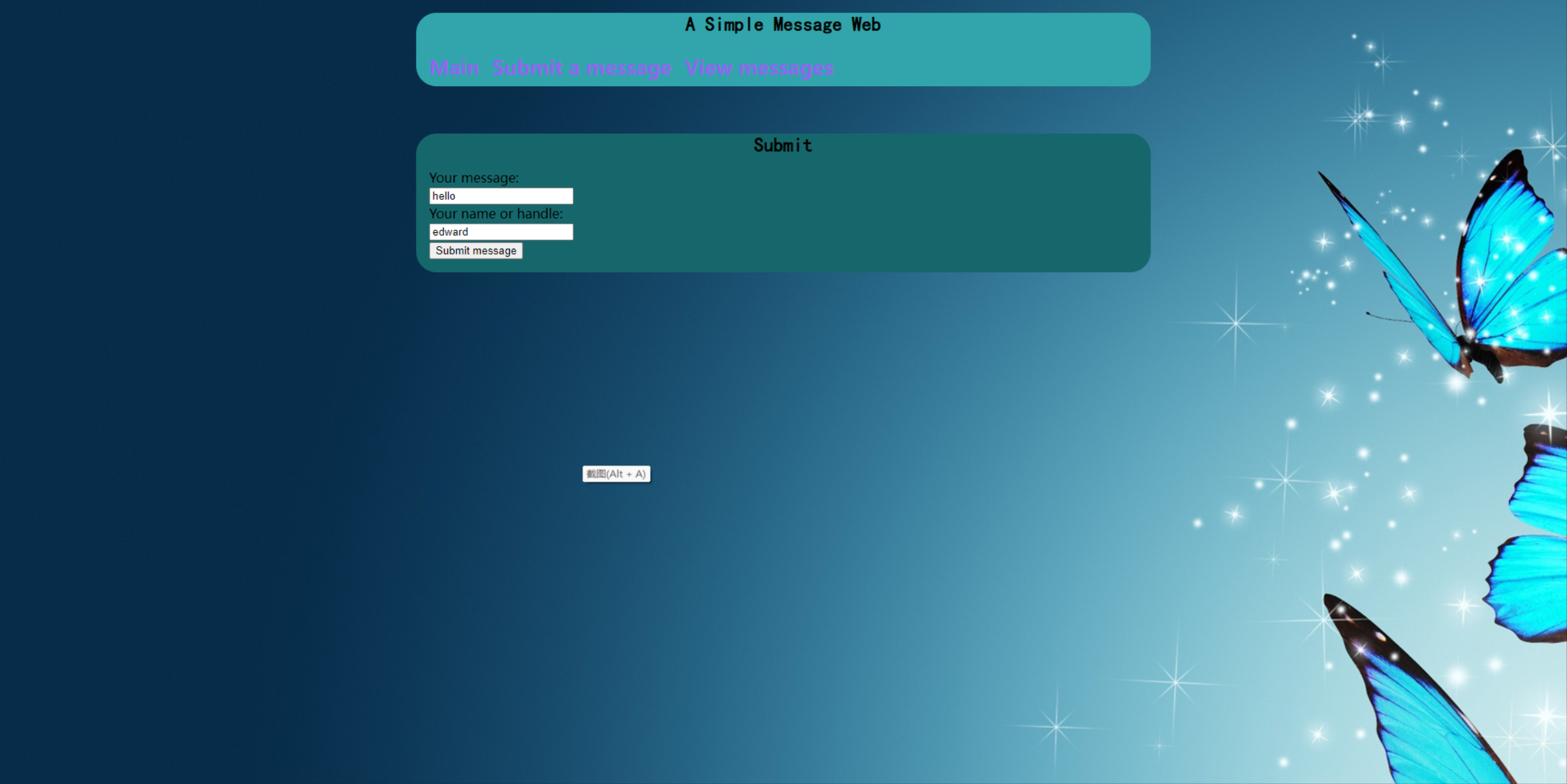
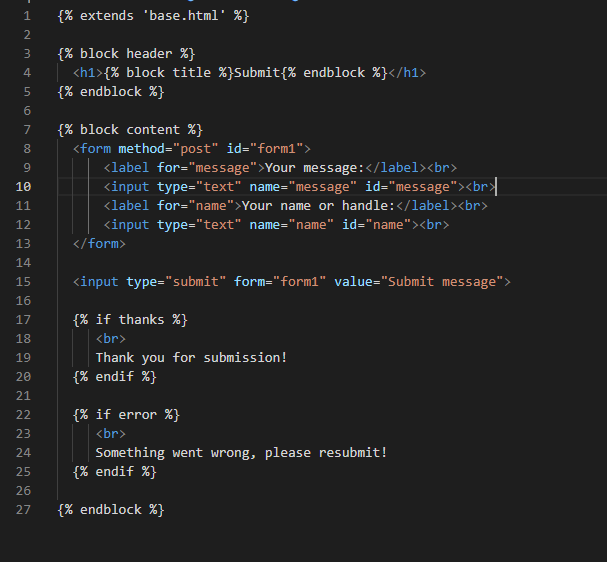
Discussion of submit template: There are first, a text box for submitting a message which is expressed in line 3 to 5 in the templates, second, a text box for submitting the name of the user, and third a “submit” button, which are expressed as line 7 to 13. If the user click on the ‘submit’ button on the main page, he would go to this page. The user could subimt messages on this page, line 17 to 20 is the codes would be executed if the user successfully submit the message, it would display the text under “br” line 18, if the subimission failed, it would display “br” line 23. I will also put navigation links inside a base.html template, then have the submit.html template extend base.html. The server would load the base.html first and then load the main page.
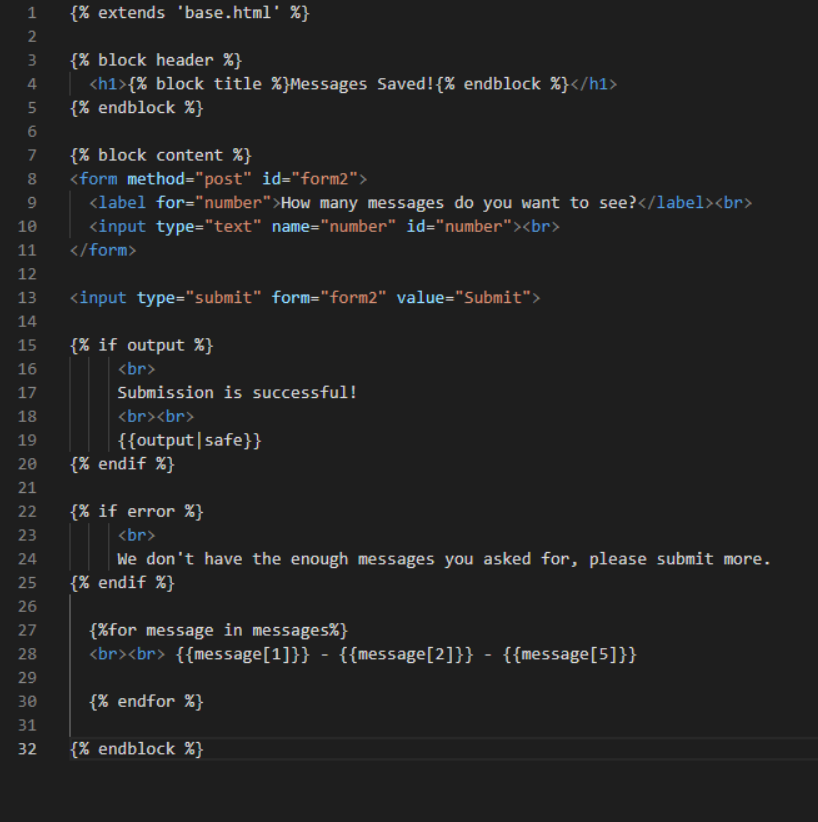
This is my view.html
Customize Style
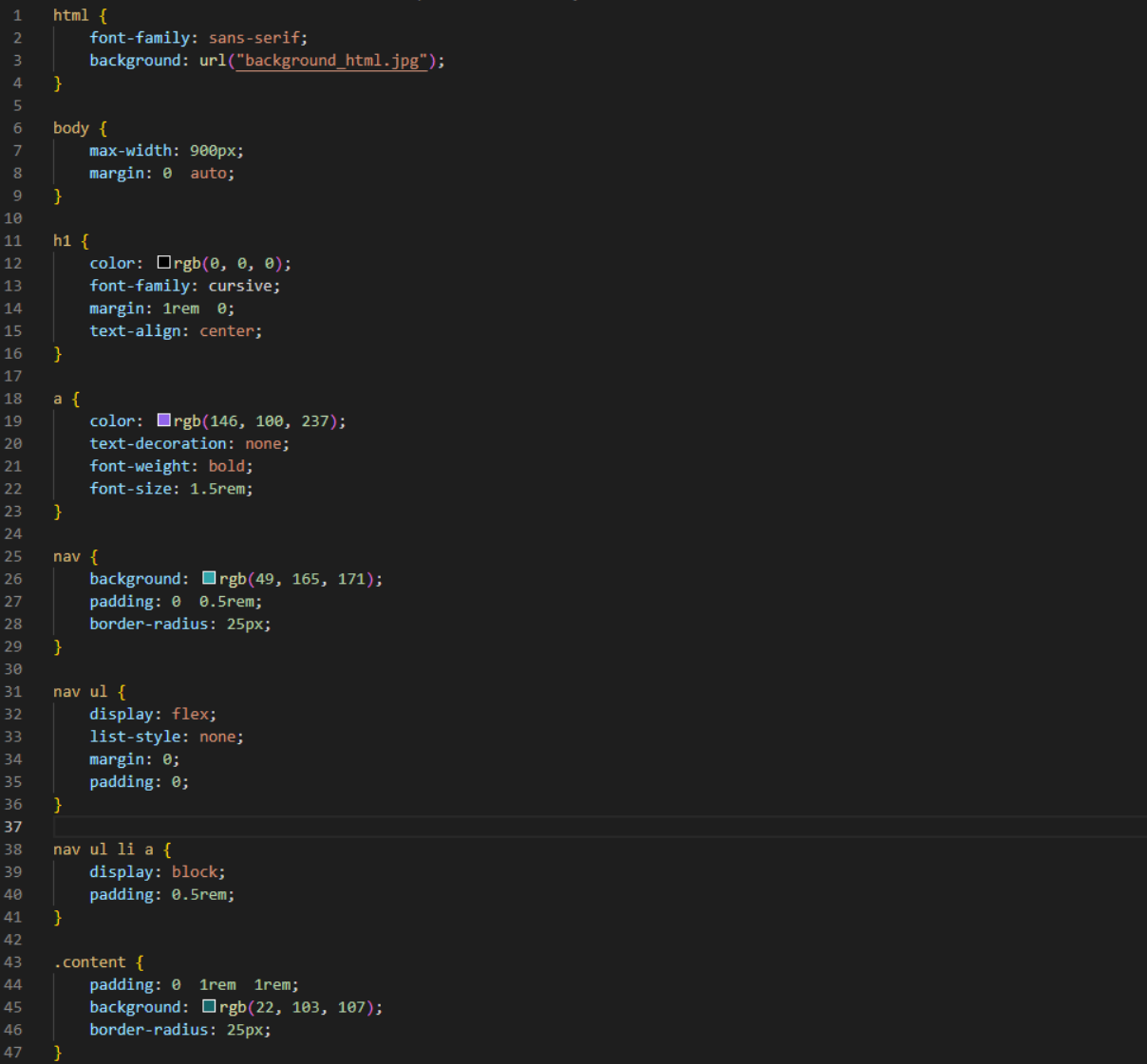
We could change the look of the web app by modifying the style.css file, we could set the background image, change background color, change text style etc. I love butterflys, so I chose a picture of butterfly to be the background image. This is the screenshot of the css file, and it was saved under the static folder, with the background image.